Quick answer: lock, door, water and settings before any part
When a washing machine won't start with the lights on, something is usually telling it not to run. Work down this short list in order:
- Control lock or child lock is on. Whirlpool says the controls will not respond and the display may show LoC or LC.
- The door or lid is not seen as closed. The washer will not begin without that signal.
- A water tap is shut or a hose is kinked. Whirlpool says both hot and cold valves must be fully open.
- The start button was tapped, not held. Some models need up to three seconds.
- A delay start or the dial position blocks the cycle.
If all five check out, the cause moves to a switch, timer or control board. That is technician territory.
Washer has power but won't start: what the lights and sounds tell you
Listen before you press anything again. The sound narrows the cause faster than any code.
| What you see or hear | Likely cause | First move |
|---|---|---|
| Lights on, buttons ignored, LoC or LC shown | Control lock | Hold the lock button three seconds |
| Start pressed, no click at the door | Latch, lid switch or door not closed | Open, clear, close firmly |
| Click, then nothing, no water | Water off, kinked hose, inlet screen blocked | Open taps, straighten hoses |
| Humming but no movement | Motor, capacitor or coupling | Stop and call |
| Display shows Err or dr | Cycle changed mid-run or three runs without opening the door | Open and close the door, restart |
| Everything responds but start does nothing | Start switch or control board | Technician |
Washer won't start after pressing start: the button, the countdown and the cycle knob
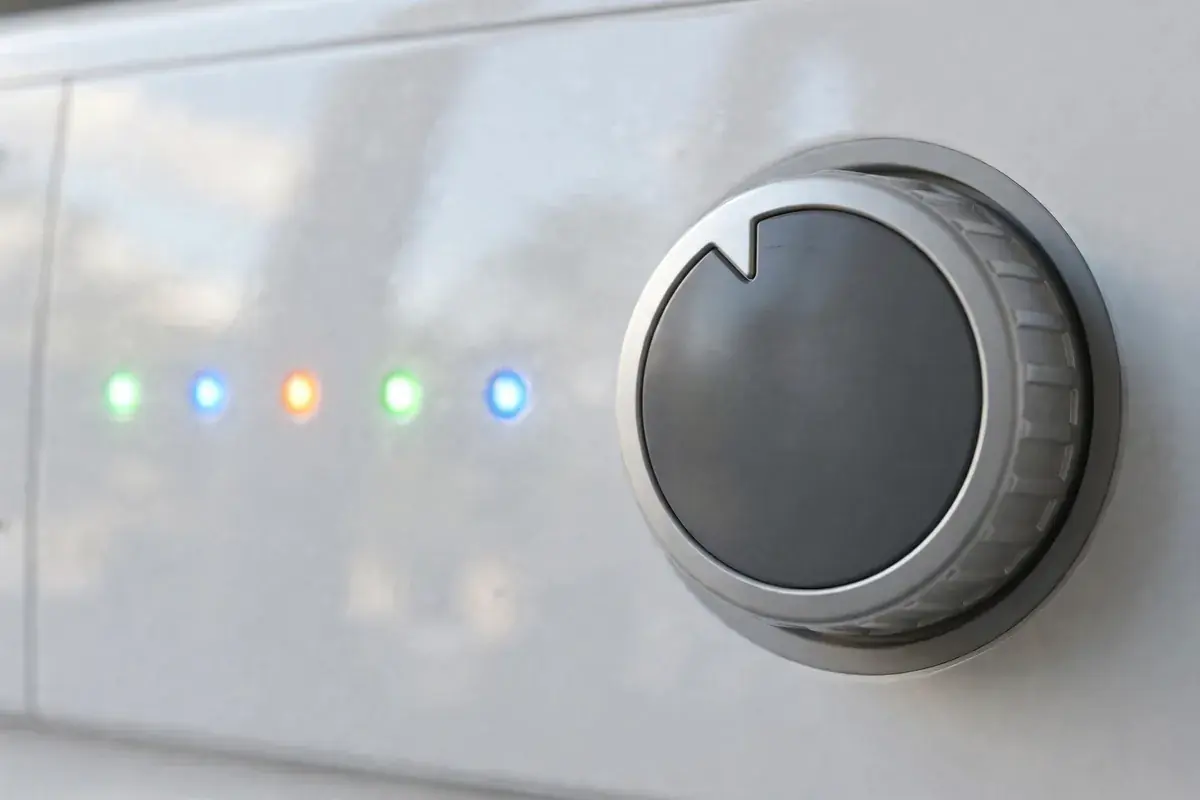
Whirlpool lists several quiet reasons a front load model ignores Start. Some models show a 3, 2, 1 countdown. You must press and hold Start until the machine turns on, about three seconds. An Err message appears if you change the cycle while it runs or start with the door open. A dr message means the washer ran three cycles in a row without the door being opened. So open and close it. A display of -:-- means the cycle knob sits between positions. The source is Whirlpool's not starting page.
On older top load machines with a dial, check the knob itself. iFixit's guide says to press or pull the knob. Make sure knobs are firmly attached and confirm the shaft turns. A worn start switch built into the timer can also fail. That needs a technician to test.
Washer child lock and control lock: the quiet blocker behind a dead panel
Control lock stops anyone, a toddler or a stray elbow, from changing a cycle. It also leaves a machine looking broken. Whirlpool's instruction is to press and hold the lock button. Or the dual-function button it shares with another feature, for three seconds. Names and buttons change by brand. So read the label on your panel or the owner's manual.
Check for a lock symbol, a key icon or the letters LoC. The iFixit troubleshooting guide lists a child lock that is on as a control problem that looks like a failed washer. Broken knobs and shafts are on the list too. See its washing machine will not turn on guide.
Also check for delay start. If you set a timer without noticing, the washer is waiting on purpose.
Door lock or lid switch: why a washer won't start cycle until it sees a closed door
The washer will not fill or spin unless the door or lid says it is shut. On a front loader, give the lock time. Whirlpool says the door lock can take about 10 seconds to engage after you press Start. So wait before assuming a fault. Its door troubleshooting adds two checks: keep the lock area clear and clean off soap residue. Unplug the washer for five minutes. See Whirlpool's door lock page.
On a top loader, close the lid firmly and listen for the click. If the lid switch no longer clicks. Or a plastic actuator tab has snapped, the cycle will not begin. Technicians test the switch for continuity with the power off. iFixit says no continuity with the lid closed means the switch needs replacing.
Never tape or jam a latch to trick the machine. It is a safety interlock, and bypassing it lets the drum run with the lid open.
Water supply and the cycle that clicks, waits and never fills
Some washers will not begin a cycle until they detect water. Whirlpool's code list includes a No Water Detected message and Lo FL. See its error codes page. Both hot and cold taps must be fully open and both inlet hoses attached. A kinked hose or clogged inlet screen can slow the flow to nothing.
A Sears Home Services guide describes the bench test. Shut the taps and unplug the washer. Remove a fill hose over a bucket and see whether water comes out. If the flow is fine, the water inlet valve, a pressure switch or the timer is next. That is technician work.
When city pressure drops, as in a main break, the fill may not happen at all. The case study below shows what that looked like across Shreveport in February 2021.
Safe checks for a washer that won't start but has power
None of these steps needs a tool. They follow the Whirlpool and iFixit pages linked above.
- Look for a lock symbol or LoC and hold the lock button for three seconds.
- Cancel any delay start and set the dial or cycle to a normal wash.
- Open the door or lid, clear anything stuck in the latch and close it firmly. Listen for a click.
- Open both water taps all the way and straighten the hoses behind the machine.
- Press and hold Start for up to three seconds, with dry hands.
- Read any code on the display and match it to your owner's manual.
- Unplug the washer for five minutes, plug it in and try again.
Signs you should stop and call instead of pressing Start again
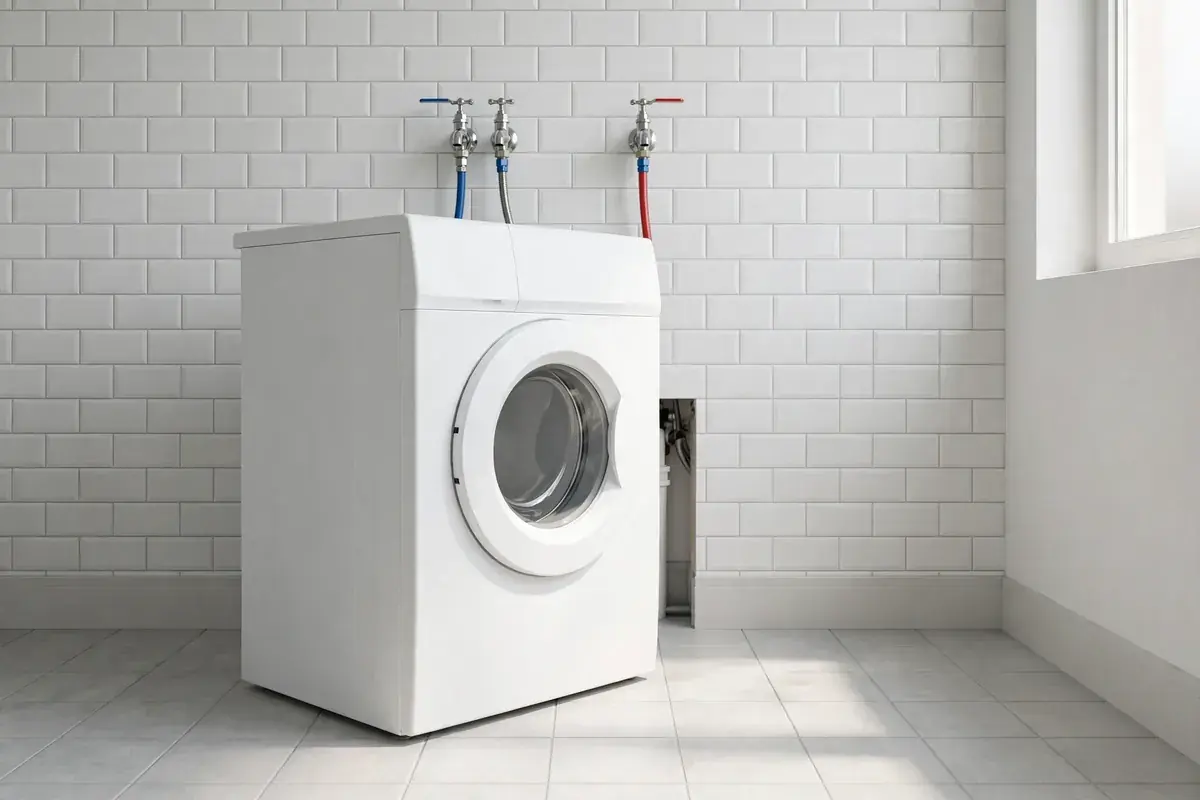
- A hum with no movement. This points to the motor, a start capacitor or a motor coupling. Repeated attempts can overheat it.
- A burning smell, scorch marks or a damaged cord.
- The breaker trips when you press Start.
- Water on the floor, or a leak near the controls.
- The washer stopped mid-cycle, then refuses to restart. One repair guide says a tripped motor protector can take about 30 minutes to cool. So wait that long once, then stop.
Switch off the power and close both taps before you call.
What a technician checks when the lock, door and water all test fine
With the power off, a technician checks the lid switch or door lock and the start switch. The pressure switch, the water inlet valve, the timer and the control board come next. A guide from EasyBear lists a tripped thermal fuse or motor protector as well. A Sears Home Services page says the electronic control board is the most common cause it sees. That is a company's own figure rather than a standard. You can read both on EasyBear and Sears Home Services.
Each test narrows the part before anything is replaced. So you never pay for a board when a latch was the problem.
Repair or replace a washer that won't begin a cycle
A latch, lid switch or inlet valve is usually worth fixing on a washer of almost any age. A control board or motor on an older machine is a closer call. EasyBear says board repairs are usually worthwhile on washers under about seven years old. It suggests replacement when repairs approach half of a new machine's cost. We do not quote prices in a guide. We tell you what we find and say plainly when a repair is not worth it.
Washing Machine Repair Shreveport diagnoses no-start washers across Shreveport LA
If your checks ran out, call (318) 858-7194. Washing Machine Repair Shreveport serves Shreveport LA with local technicians, and a person answers. Tell us the brand and what shows on the display. Say whether you hear a click or a hum. Our washing machine repair page explains the full service. The service area page lists the nearby communities we reach.
If the cycle freezes near the end, read the guide to a washer stuck in its spin phase.
February 2021 in Shreveport: low water pressure after the ice storm
On the evening of February 16, 2021, KTAL reported that Shreveport had issued a citywide boil advisory. The city blamed frozen pipes and water main breaks. Officials said the ice storm had blown out mains across the distribution system. Pressure was extremely low, and crews were out finding the breaks. The city asked residents to boil water for one full minute before drinking it or making ice.
The report does not mention washers, so we will not claim any broke. What it does show is how a household can have power and a working machine yet no water. A washer that waits for water to arrive will sit on its first step.
The lesson is simple. When a washer won't start after a big storm, check the taps and the fill hoses first. Run no cycle until water service is back.
Questions Shreveport households ask about a washer that will not start
Why does my washer have power but won't start?
The usual cause is a lock or a missing signal, not a dead machine. Check the control lock, the door or lid, the water taps and a delay start first. If all are clear, a latch, lid switch, start switch or control board is the likely fault. A technician should test it.
How do I turn off the control lock on my washer?
Press and hold the lock button. Or the dual-function button it shares with another feature, for about three seconds. Whirlpool gives this step for its front load washers. Other brands label the button differently. So check the panel and owner's manual for a lock icon.
Why will my washer not start after I close the door?
On a front loader, the lock can take about 10 seconds to engage after Start, so wait. If nothing happens, open the door and clear lint or a sock from the latch. Wipe soap residue from the lock area and close it firmly. A latch that stays loose needs a technician.
Can low water pressure stop a washer from starting?
It can stop the fill, which keeps the cycle from moving on. Open both taps fully and straighten the hoses. Some washers show a No Water Detected message or Lo FL. If the hoses flow when removed over a bucket, the fault is inside the washer.
My washer won't start after pressing start. Should I unplug it?
Yes, as a last free check. Whirlpool says to unplug it for five minutes, plug it in and press Start again. Do this after the lock, door and water checks. If the washer still ignores you, stop retrying and have the switch or board tested.
What does it mean if my washer hums but won't start?
A hum without movement means the motor gets power but cannot turn. That points to a start capacitor, coupling, belt or motor. Do not keep pressing Start, because a struggling motor can overheat. Unplug the washer and call a technician.
Who fixes a washer that won't start in Shreveport?
Washing Machine Repair Shreveport diagnoses and repairs washers that will not start in Shreveport LA. Call (318) 858-7194, tell us the brand and what the display shows, and a person answers. The estimate is free, and we say plainly if a repair is not worth doing.
Is a washer that won't start worth repairing in Shreveport?
Often yes, when the cause is a latch, lid switch, inlet valve or lock setting. A control board or motor on an old washer is a closer call. Washing Machine Repair Shreveport will explain the likely part in Shreveport LA. You also hear whether repair makes sense before any work starts.
Call when the lock, door and water checks all come up clean
Tell us the brand, what the display shows and whether you hear a click or a hum. Call (318) 858-7194: the estimate is free and a person answers.
Call (318) 858-7194